Getting your login credentials and Sign Up
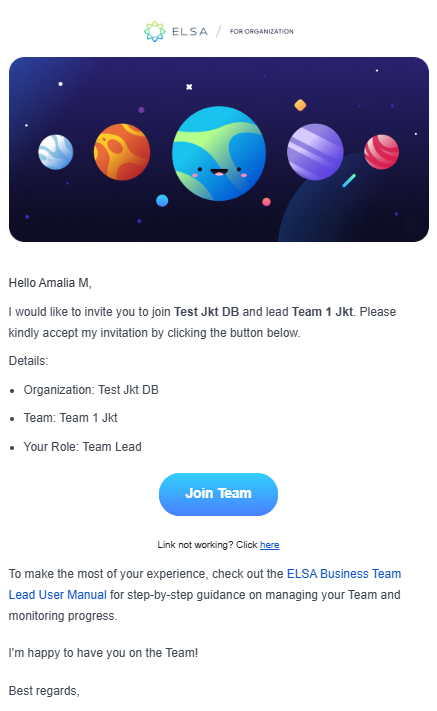
1. You will receive an email invitation to join ELSA as a Team Lead via your organization email.
2. Open the email and click "Join Team" A new tab will open, prompting you to set up your login credentials for access to the ELSA Dashboard.
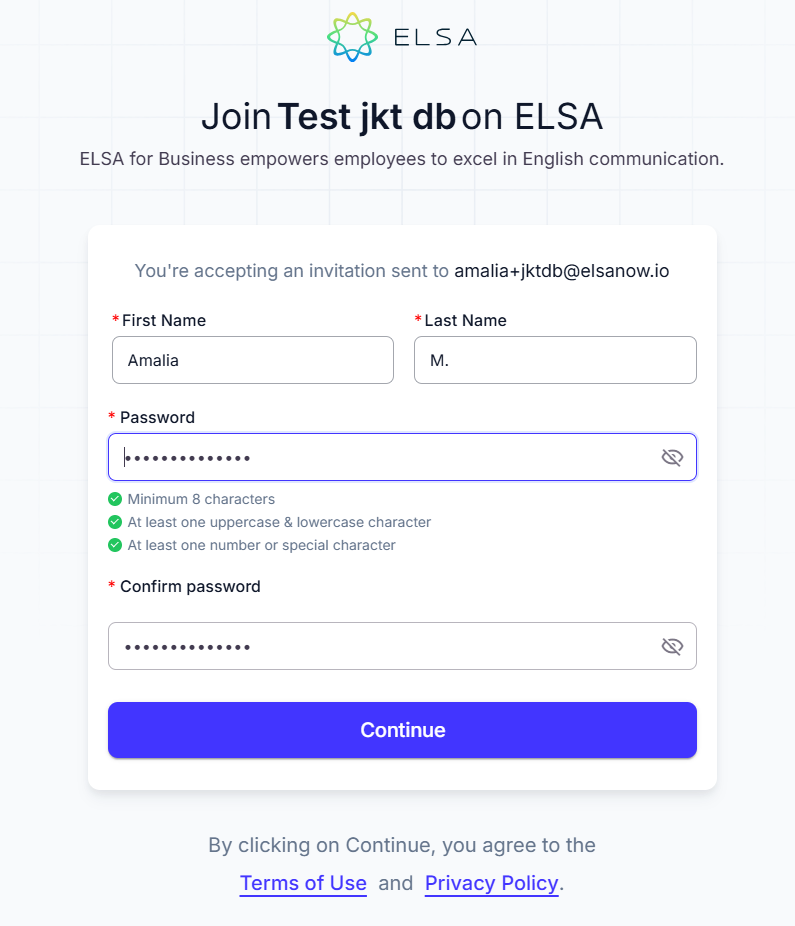
3. After clicking “Join the Team” from your email, you will be redirected to the profile setup page. Enter your First Name, Last Name, and Password, then click “Continue.” If you already have an existing account, you will be automatically redirected to the dashboard homepage.
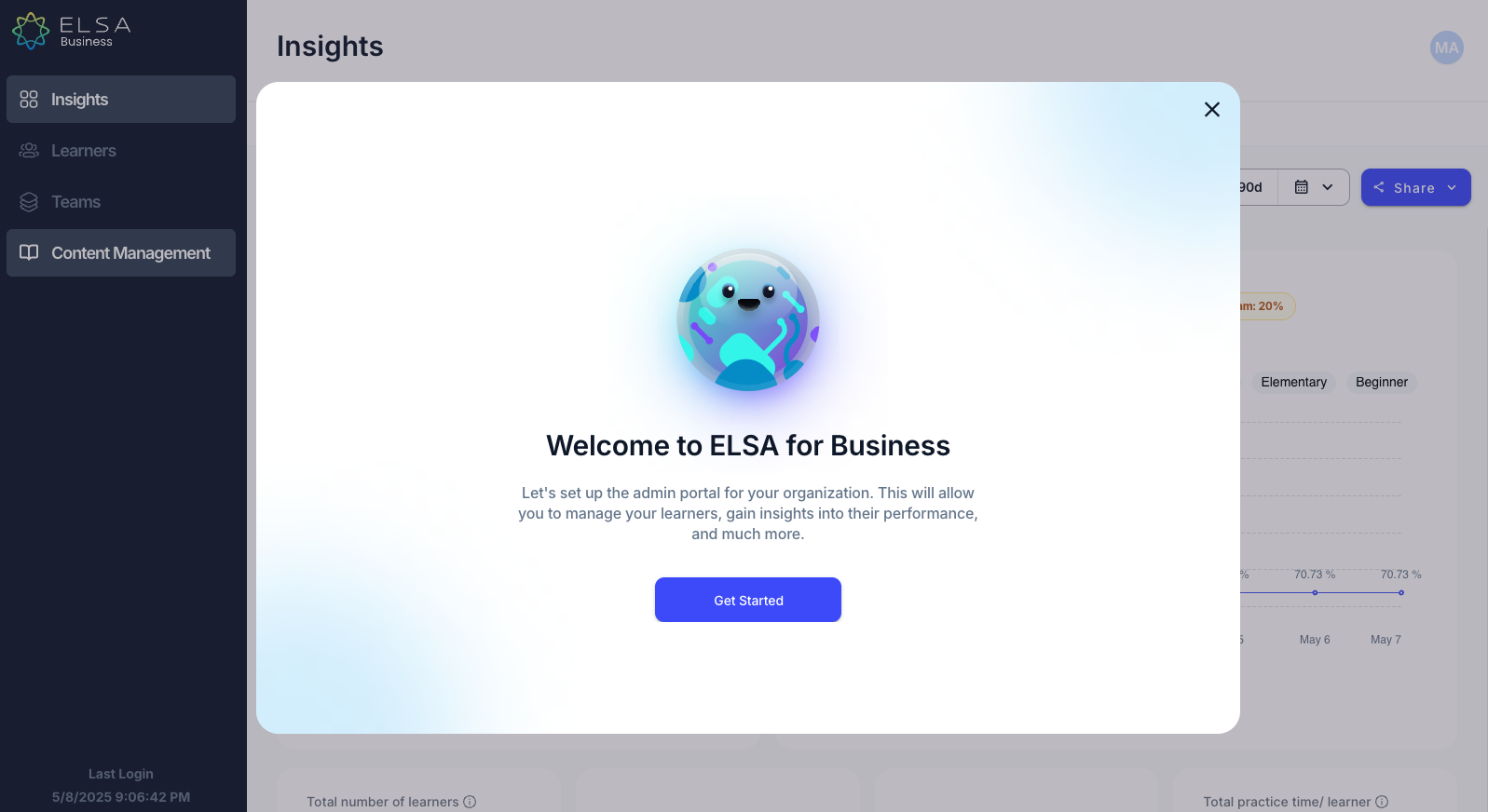
4. After creating your profile, you will be directed to the ELSA Dashboard. You will receive an overview of the dashboard’s current features. Click “Get Started” to explore the dashboard and learn more about each section.
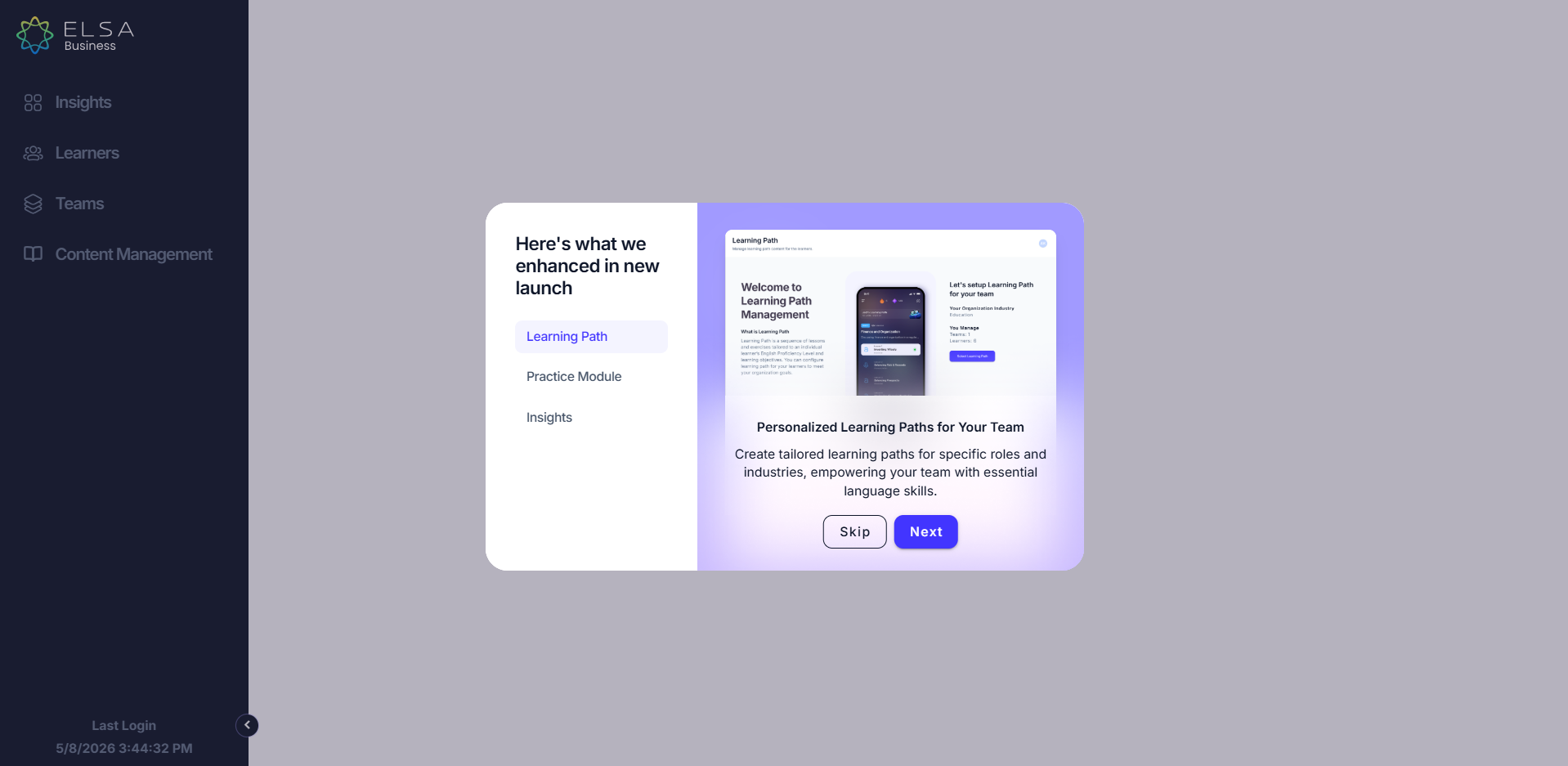
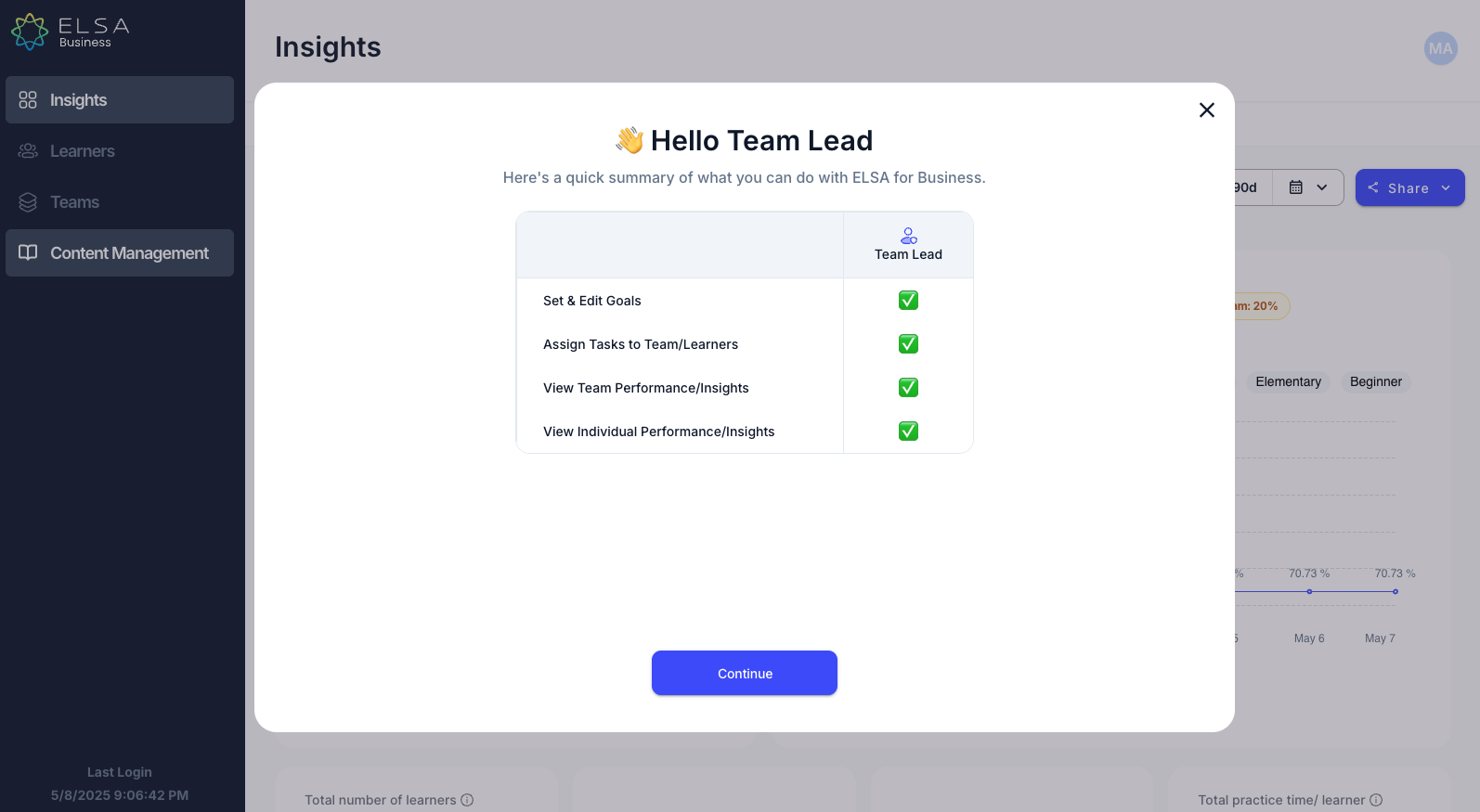
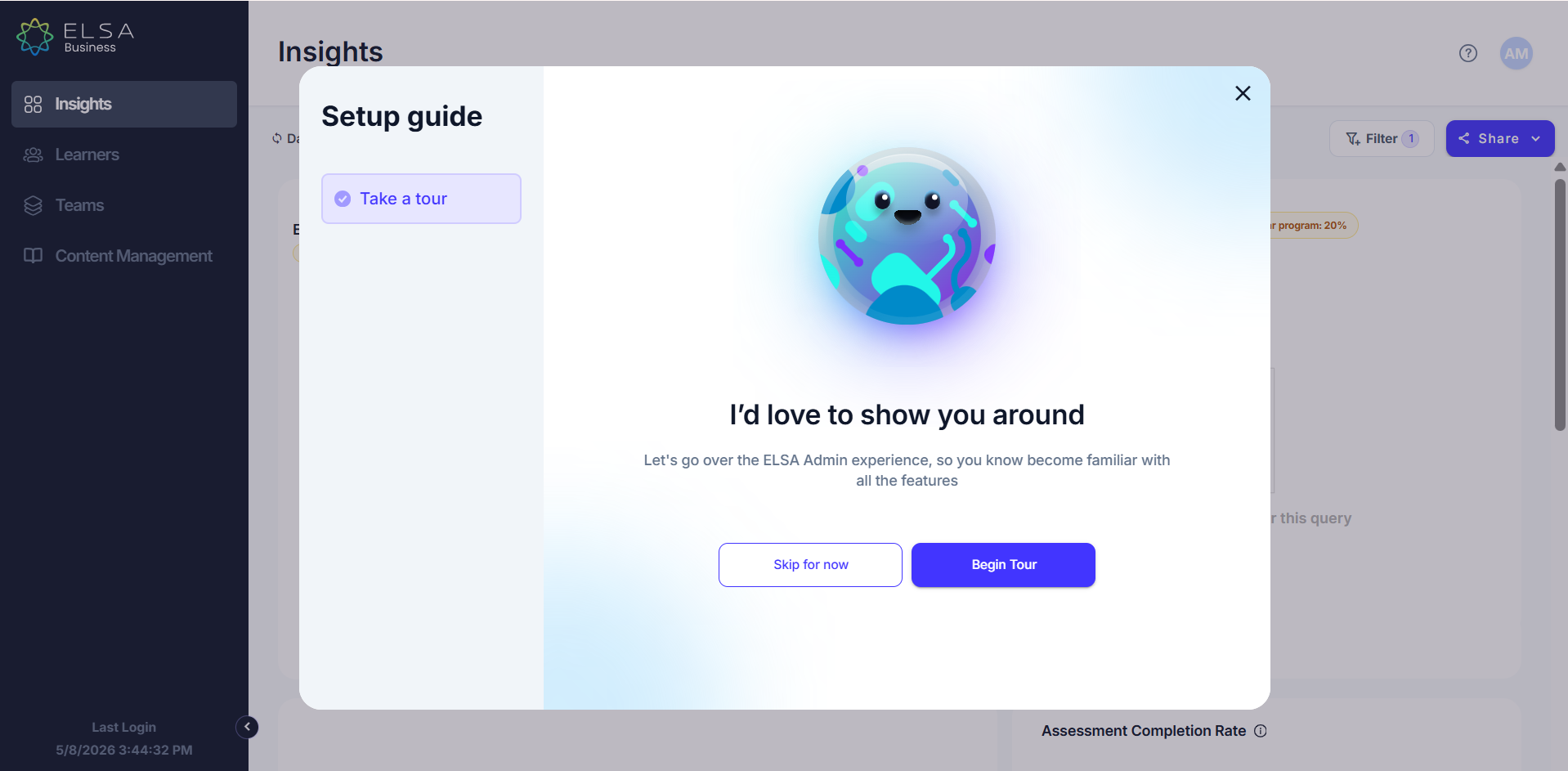
5. You will be able to see the summary of the Team Lead access rights and click “Continue.” You can then choose either “Begin Tour” to explore the dashboard further with our guidance, or click “Skip for Now.”
6. You have successfully logged into your Team Lead ELSA account!
Was this article helpful?
That’s Great!
Thank you for your feedback
Sorry! We couldn't be helpful
Thank you for your feedback
Feedback sent
We appreciate your effort and will try to fix the article