A. Login with Email and Password.
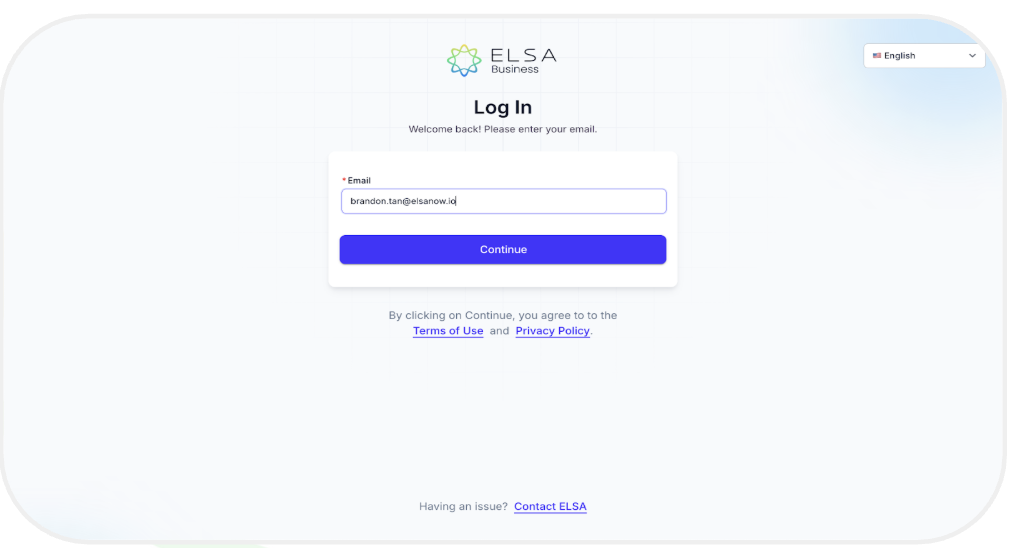
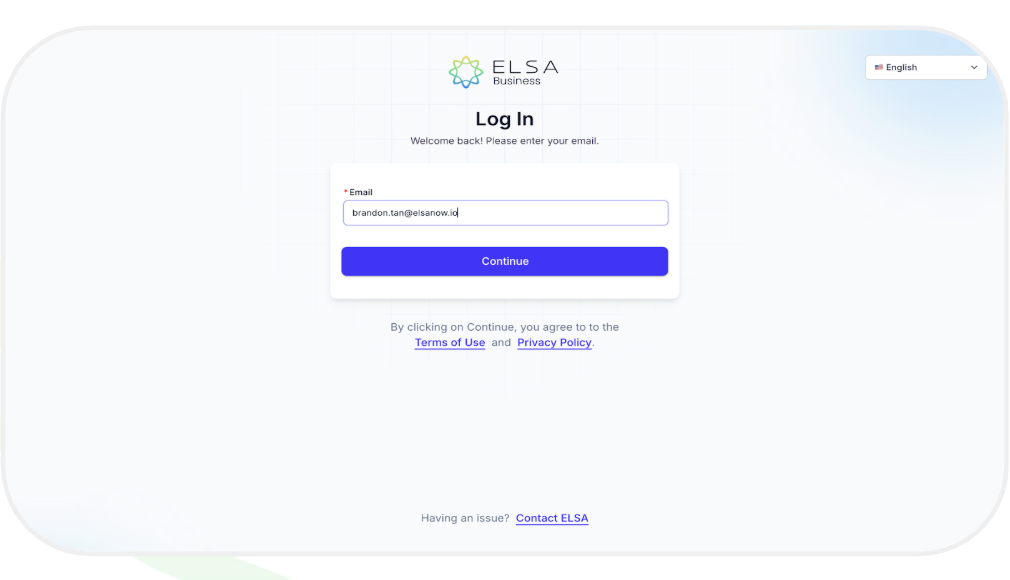
1. Visit admin.elsaspeak.com/login and enter your registered email.
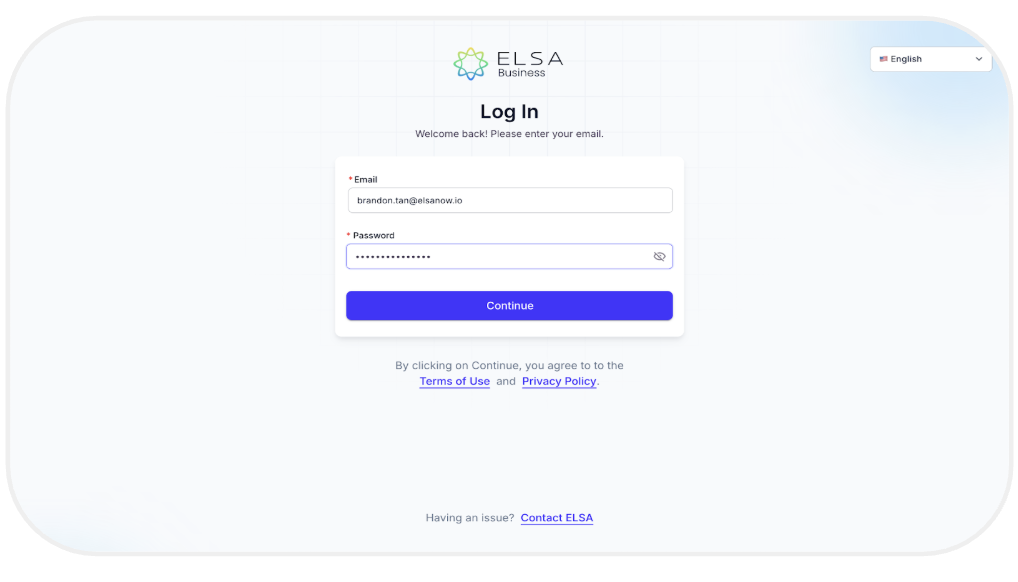
2. Enter your password after your registered email is confirmed.
3. After logging in, you will be directed to the Insights page.
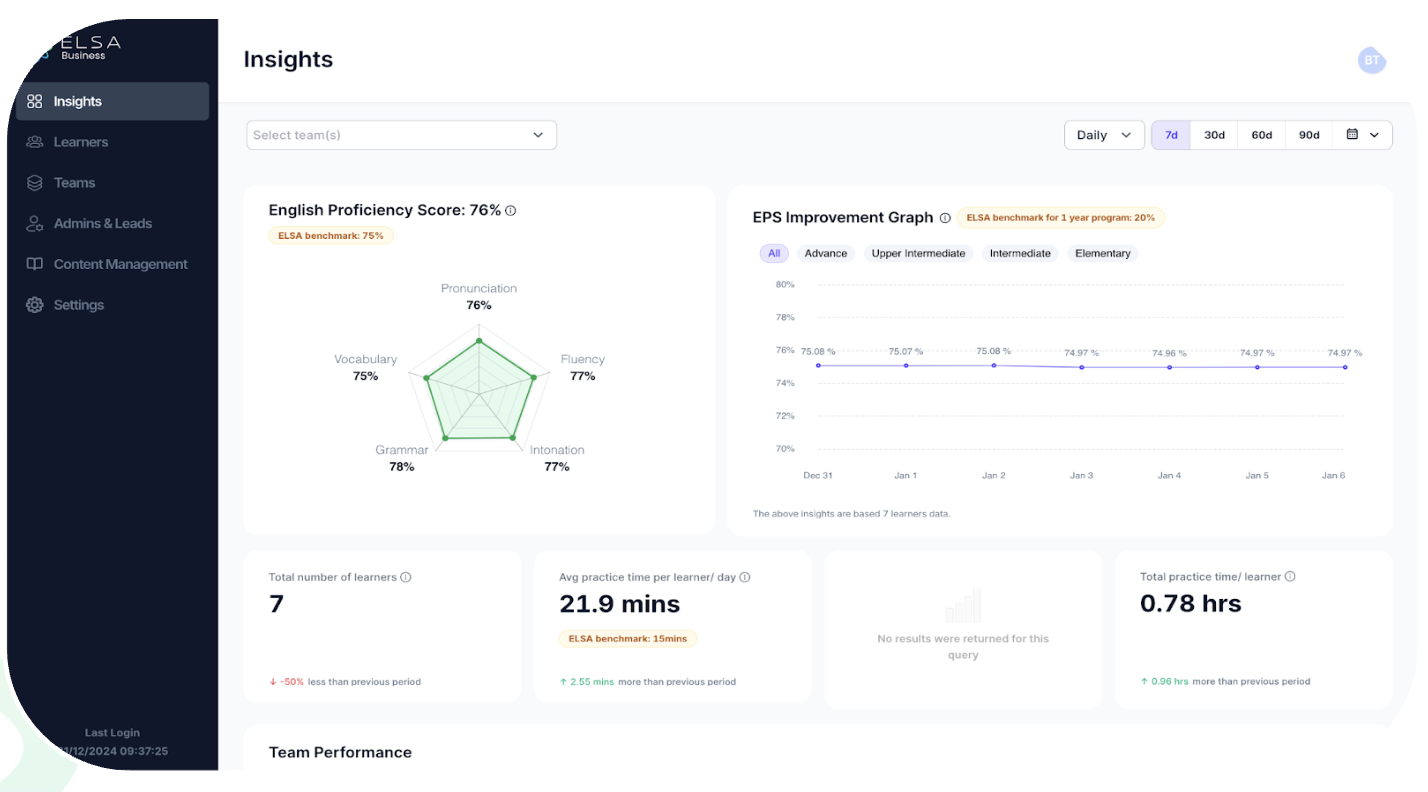
You've successfully logged into your ELSA Business dashboard!
Forgot Password?
1. In case you forget your password, simply click "Forgot Password" on the login page after you enter your registered email address.
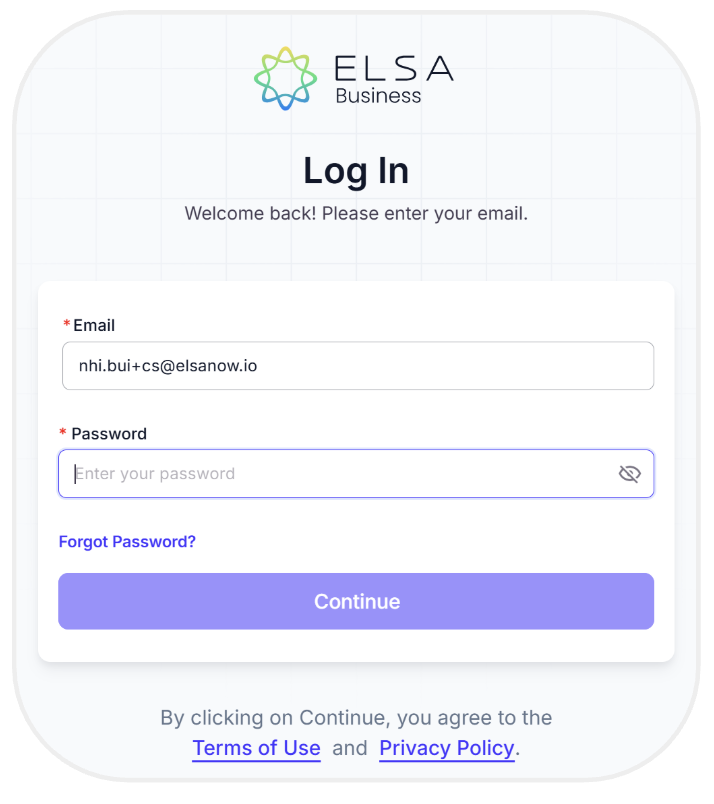
2. Check your email for a pop-up message and click “Reset Password” to create a new one
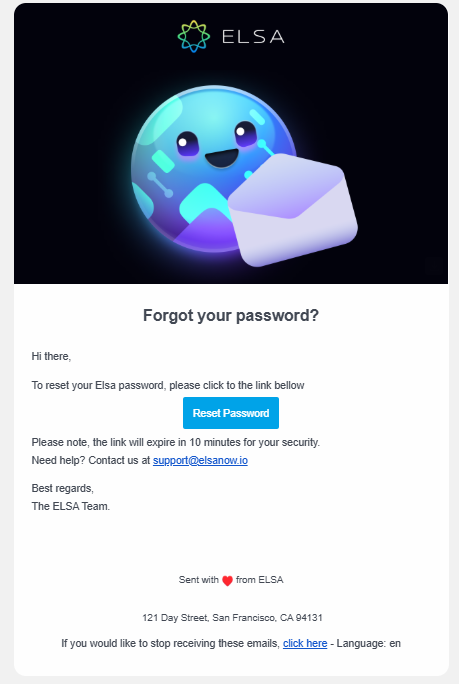
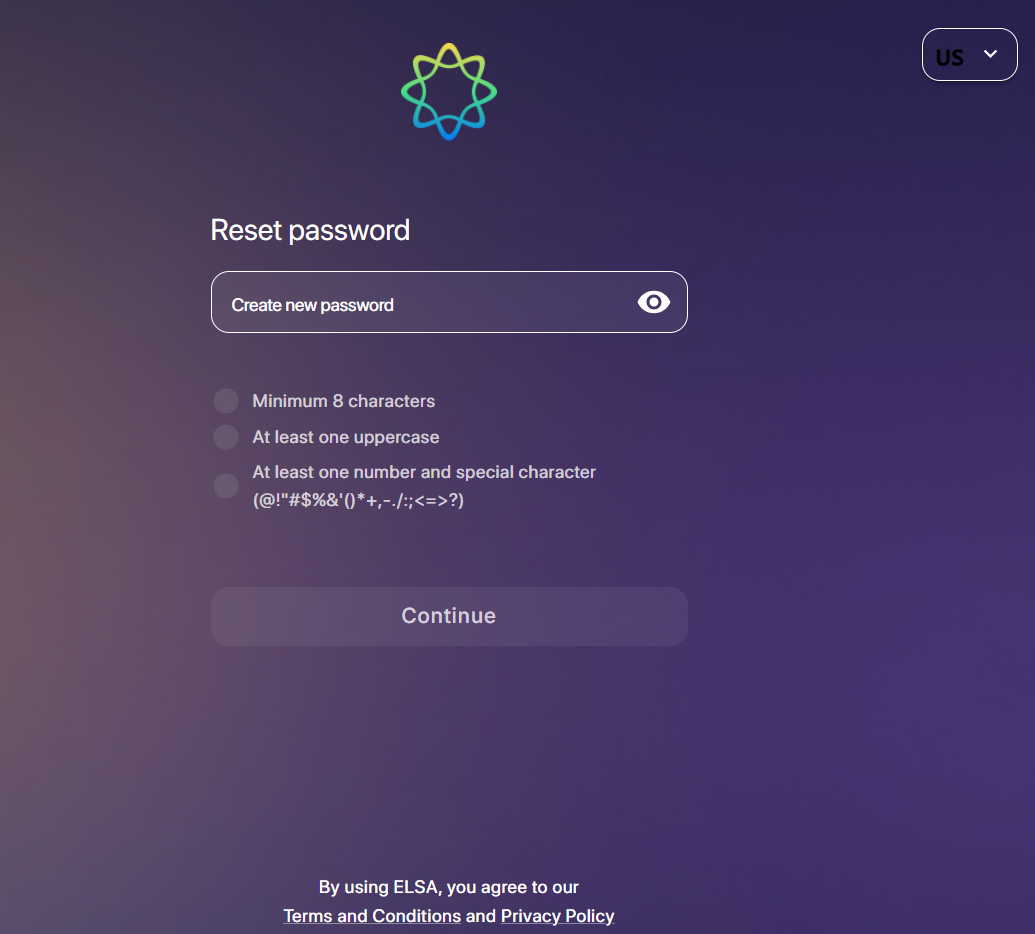
3. After clicking “Reset Password,” you will be redirected to a webpage where you need to create a new password with a minimum of 8 characters, following the given instructions.
B. Log in to your ELSA Business Dashboard via SSO
1. If you need to login to your account via Single Sign-On (SSO), please contact our Business Development team for setup.
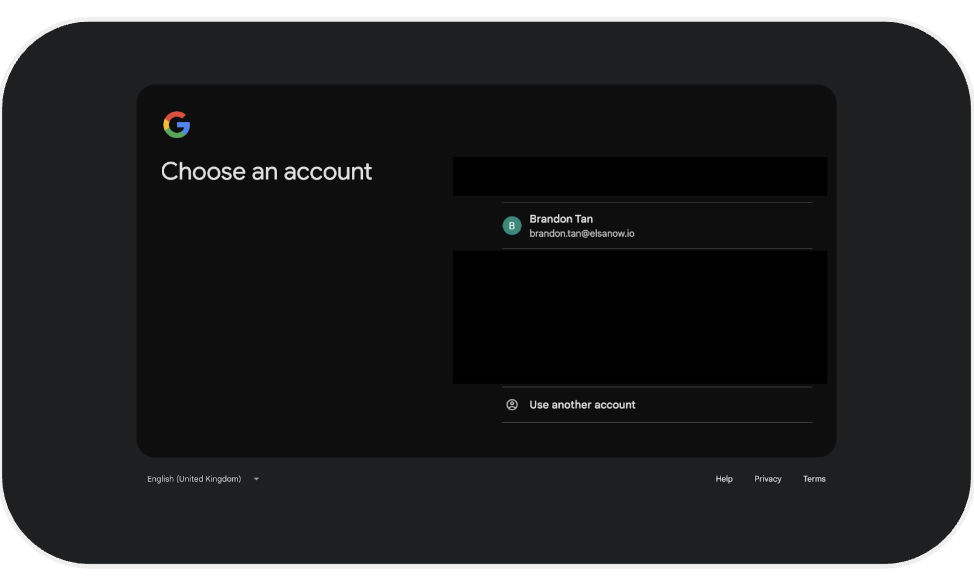
2. After the SSO is set up, select the registered email address to log in to your ELSA's Admin Dashboard.
Was this article helpful?
That’s Great!
Thank you for your feedback
Sorry! We couldn't be helpful
Thank you for your feedback
Feedback sent
We appreciate your effort and will try to fix the article