We are excited for you to begin your English learning journey! To ensure you have the best experience, please follow the guide below.
*New to the platform? Learn more about practicing on your desktop here: Unlock Your Potential: A Guide to ELSA on Web.
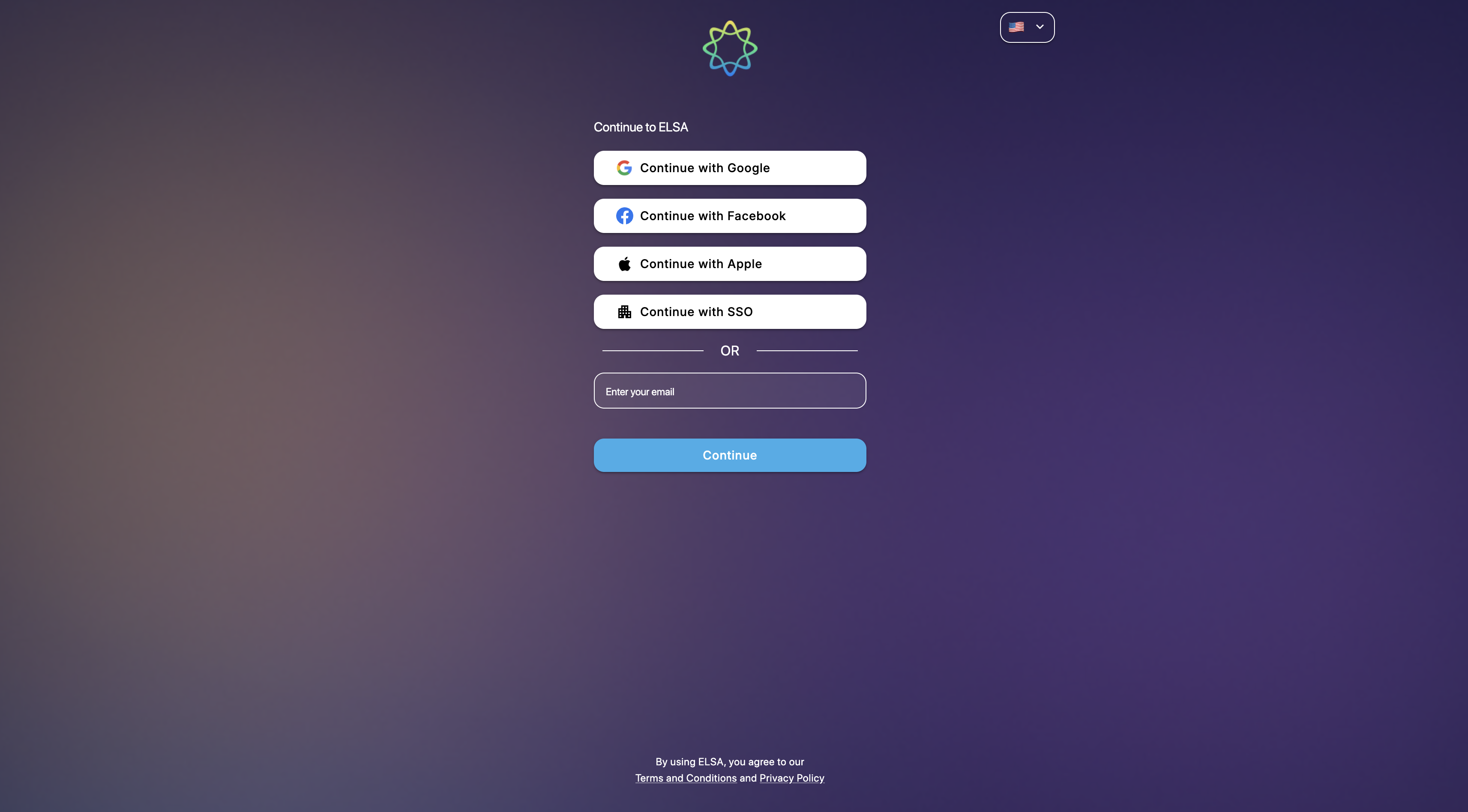
How to Log in:
1. Open your browser and go to the official ELSA Web address: https://app.elsaspeak.com
2. Enter the same email address you registered with the ELSA Speak mobile app.
3. Recommended Browser: We highly recommend using Google Chrome. While other browsers may work, Chrome provides the most stable and optimized experience for our voice recognition technology.
If this is your first time logging in, you will go through a quick setup process to tailor the platform to your needs:
1. Email Authentication: Log in using your registered email credentials.
2. Onboarding: If you haven’t set up your profile yet, you will be prompted to complete a brief onboarding to help us understand your goals.
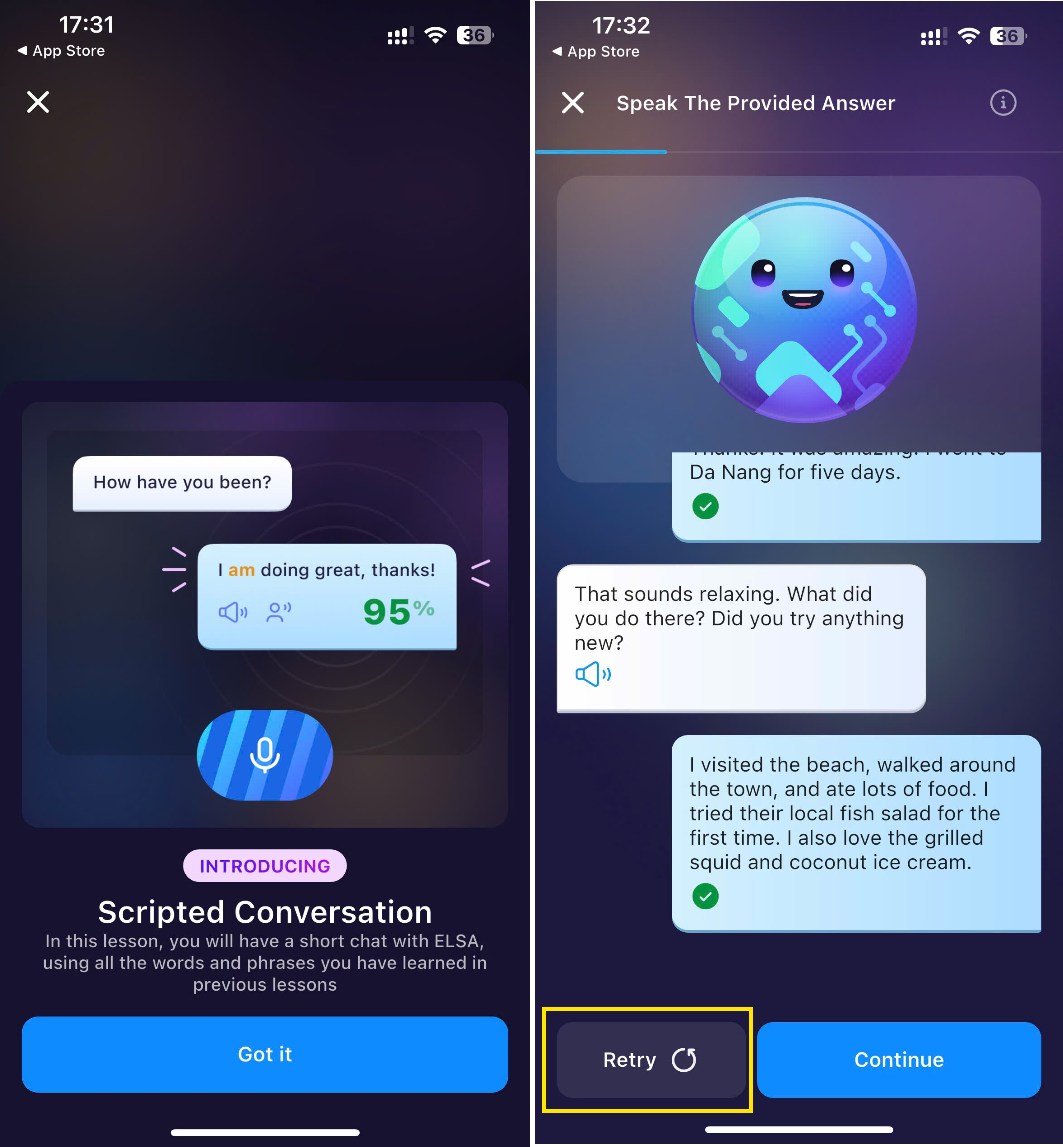
3. Placement Assessment: To find your starting point, you will take a speaking test:
- Beginner Level: You will participate in a Scripted Conversation.
- Advanced Level: You will complete an AI-based speaking assessment for a deeper analysis of your fluency.
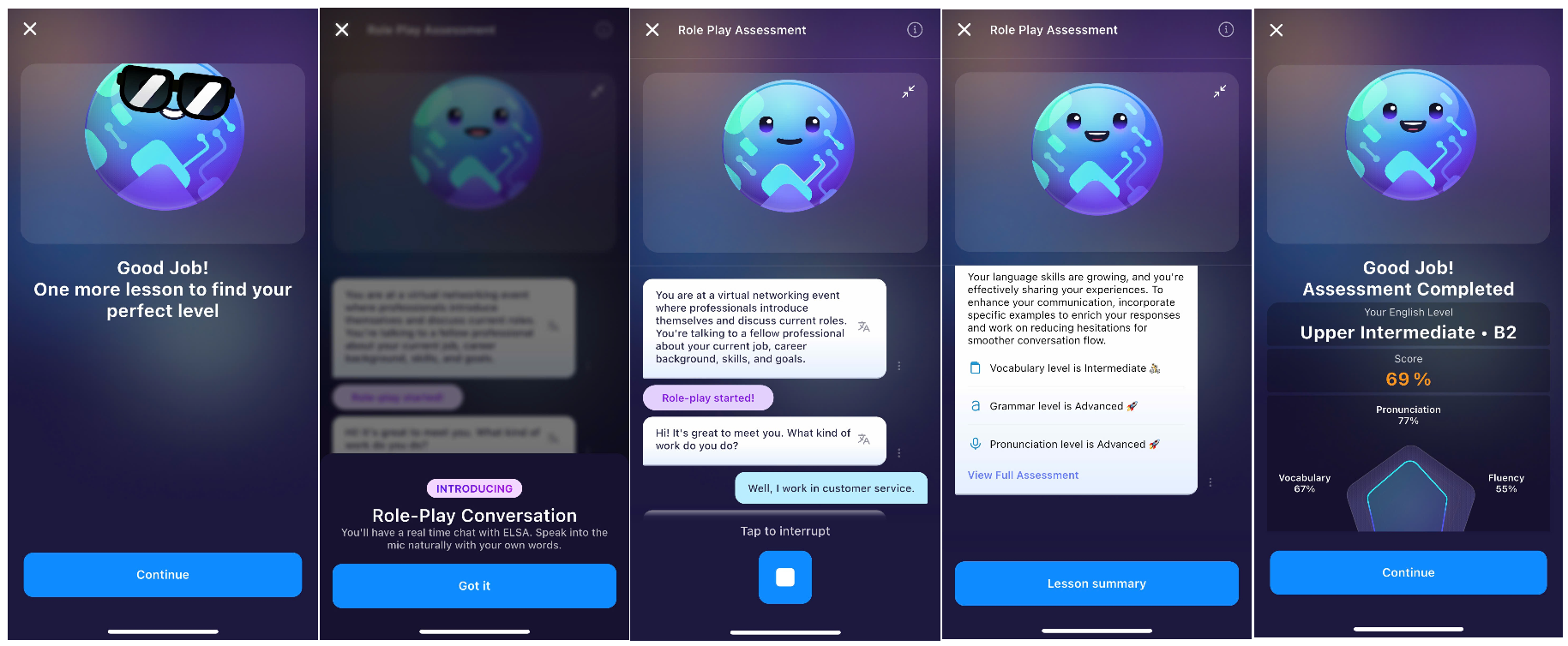
4. Personalized Learning Path: Once the assessment is complete, ELSA will instantly generate a custom Learning Path specifically designed for your current level.
Note: This setup process only needs to be completed once. After this, you can jump straight into your lessons every time you log in!
Was this article helpful?
That’s Great!
Thank you for your feedback
Sorry! We couldn't be helpful
Thank you for your feedback
Feedback sent
We appreciate your effort and will try to fix the article