TABLE OF CONTENTS
What is ELSA on Web?
ELSA on Web is the browser-based version of our world-class AI speech coach, allowing you to practice English from your laptop or desktop, and no mobile app installation is required. This version is specifically designed for learners who prefer a larger screen or have restricted access to mobile devices during work or study hours.
Recommended Browser: We highly recommend using Google Chrome. While other browsers may work, Chrome provides the most stable and optimized experience for our voice recognition technology.
What Can You Do on ELSA on Web?
ELSA on Web brings our core AI-powered features to your browser, ensuring your learning remains consistent and effective. You can access:
1. Your Personalized Learning Path: Stay on track with lessons tailored to your specific goals.
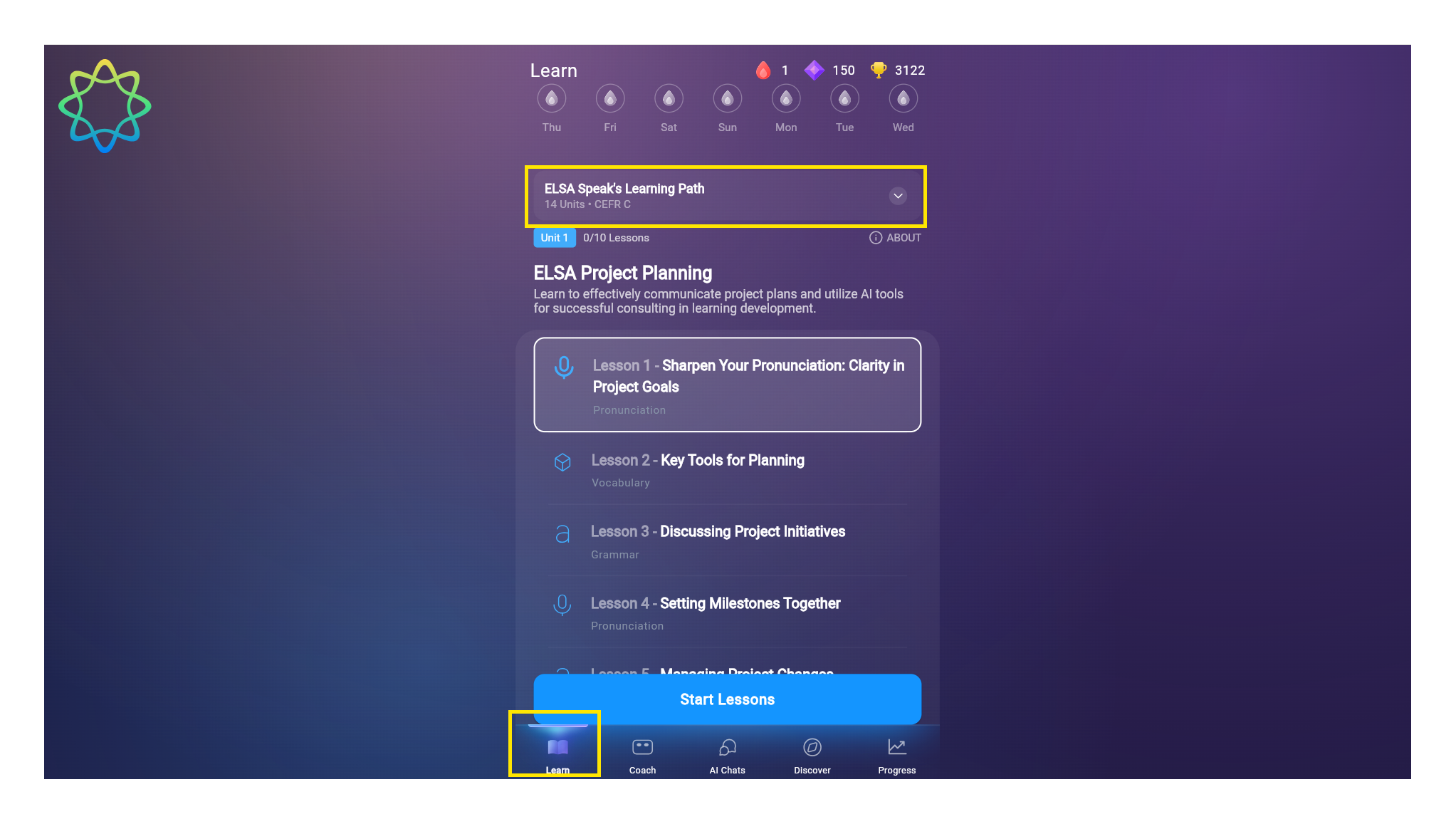
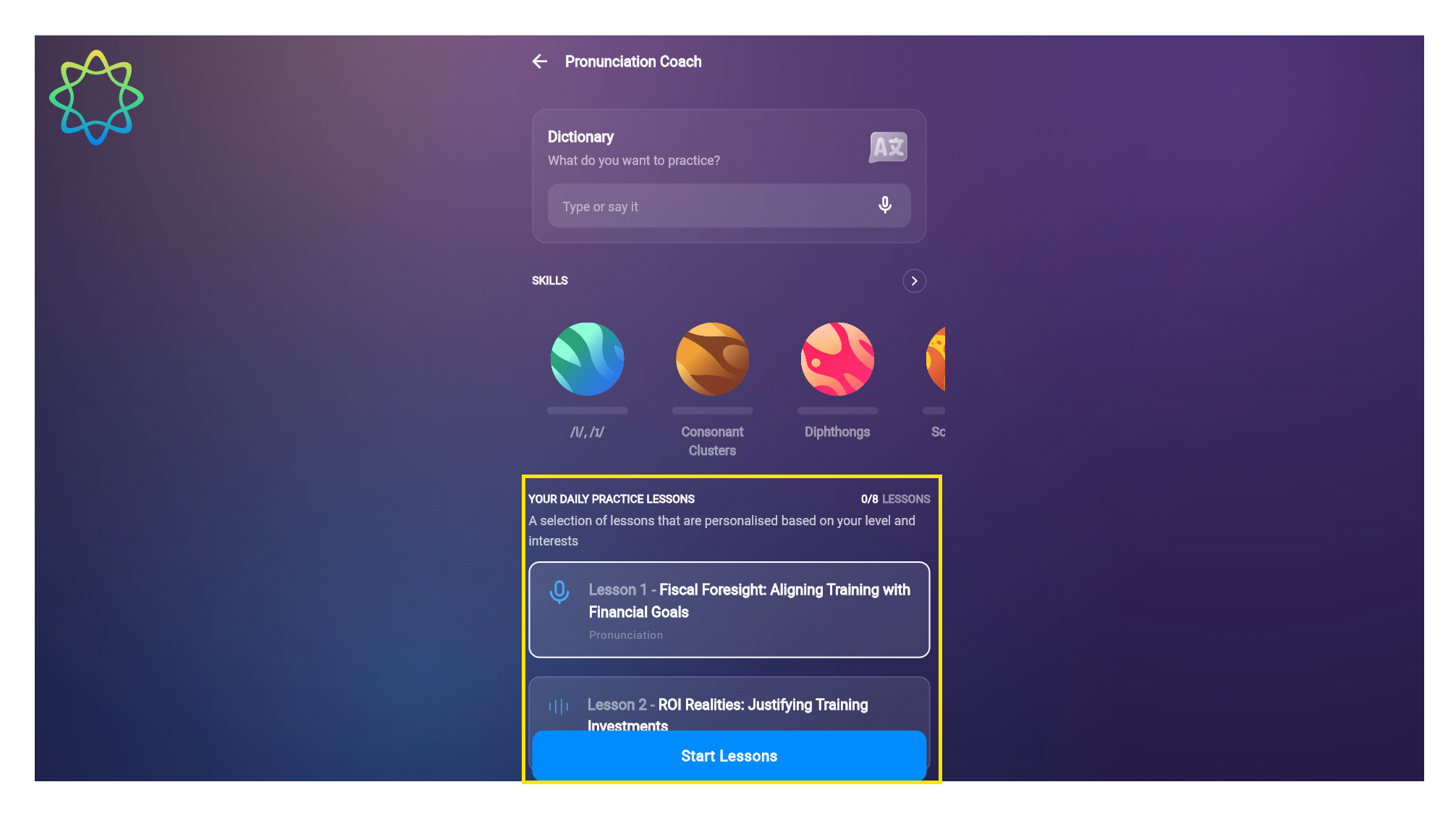
2. Daily Practice: Keep your streak alive with bite-sized daily lessons.
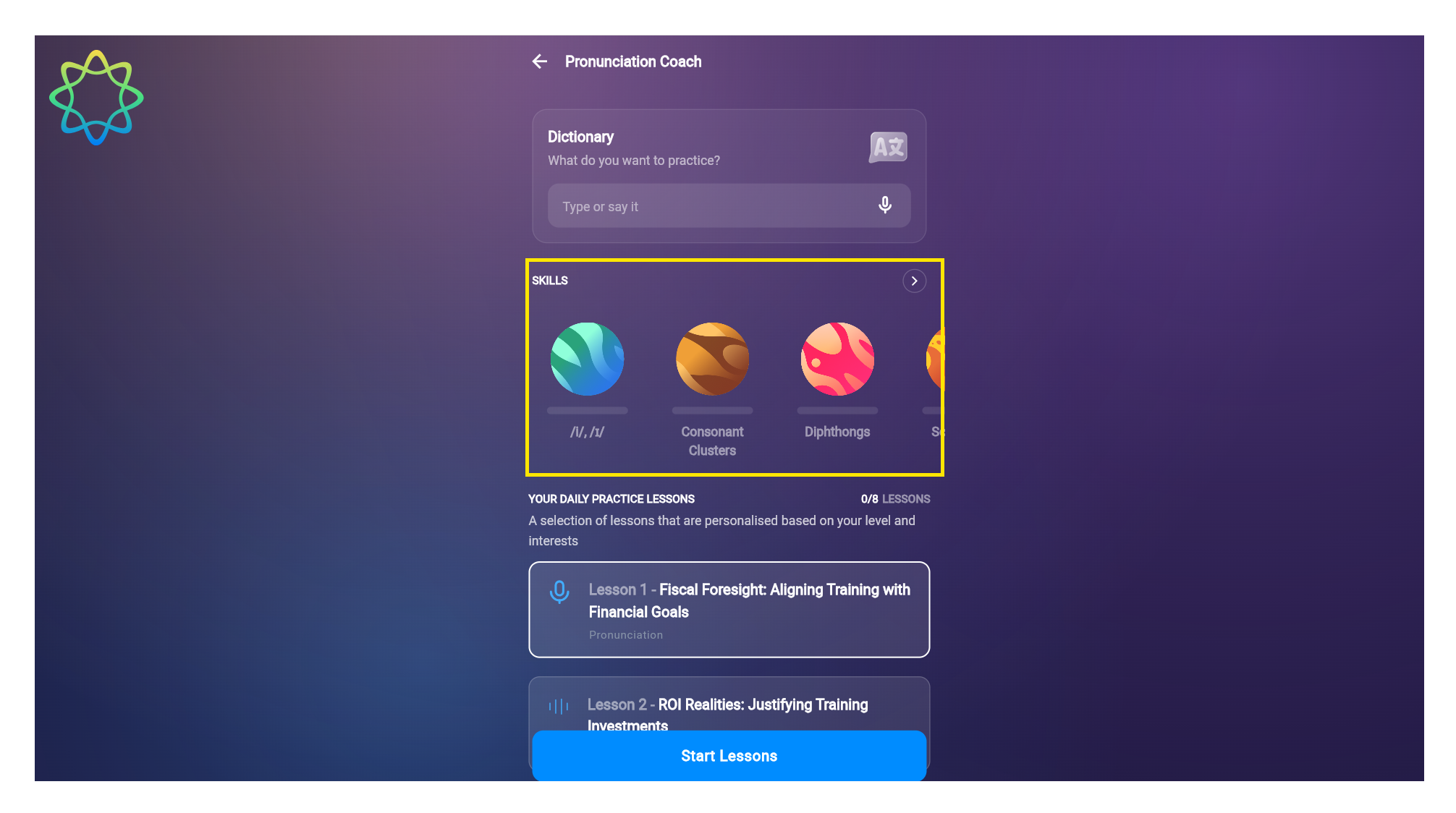
3. Skill-Specific Modules: Focus on the exact pronunciation or fluency areas you need most.
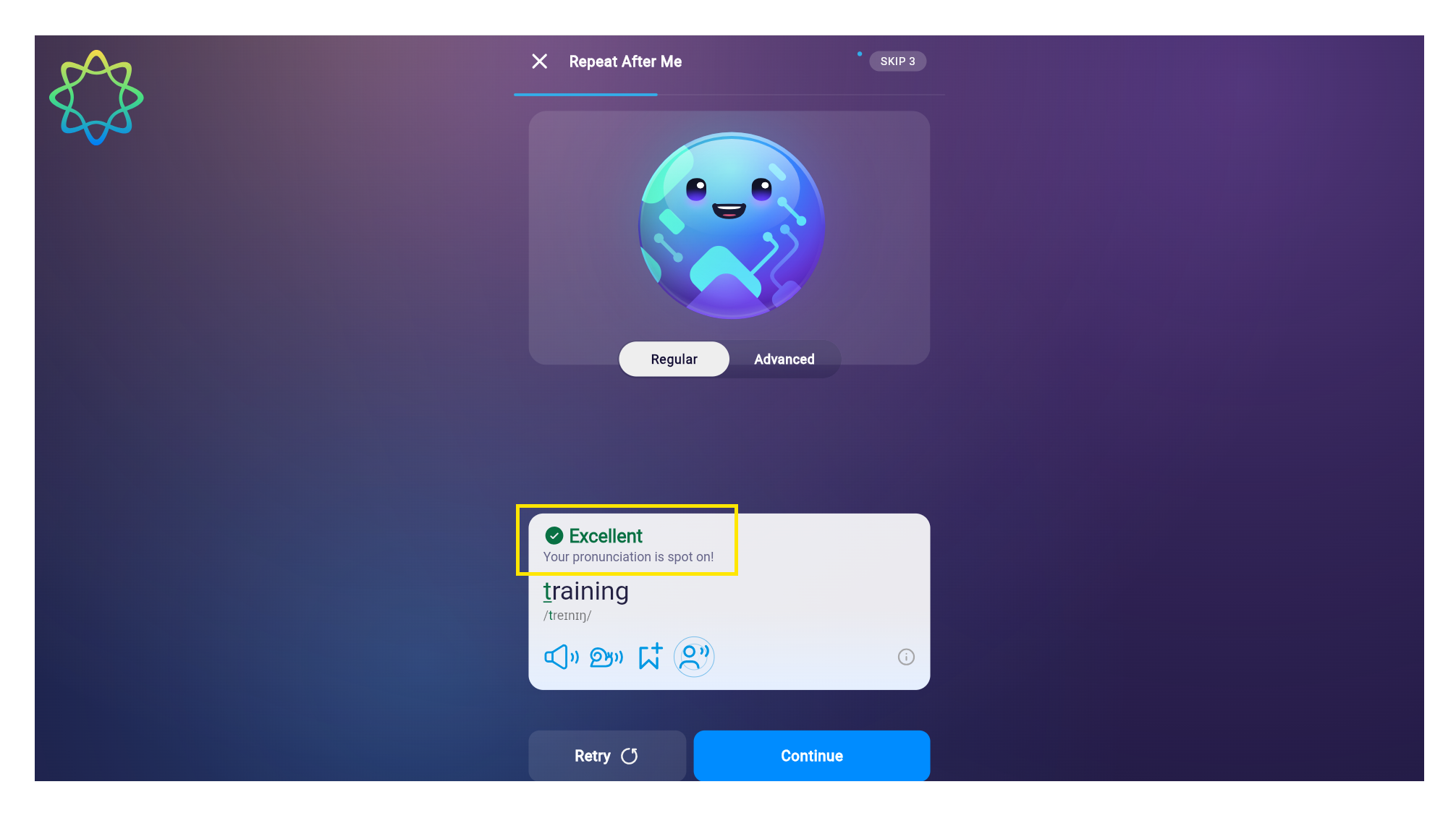
4. Detailed feedback for pronunciation lessons: Get instant, AI-driven corrections on your pronunciation and rhythm.
5. Standalone AI Roleplays: Practice real-life scenarios in a safe, AI-guided environment.
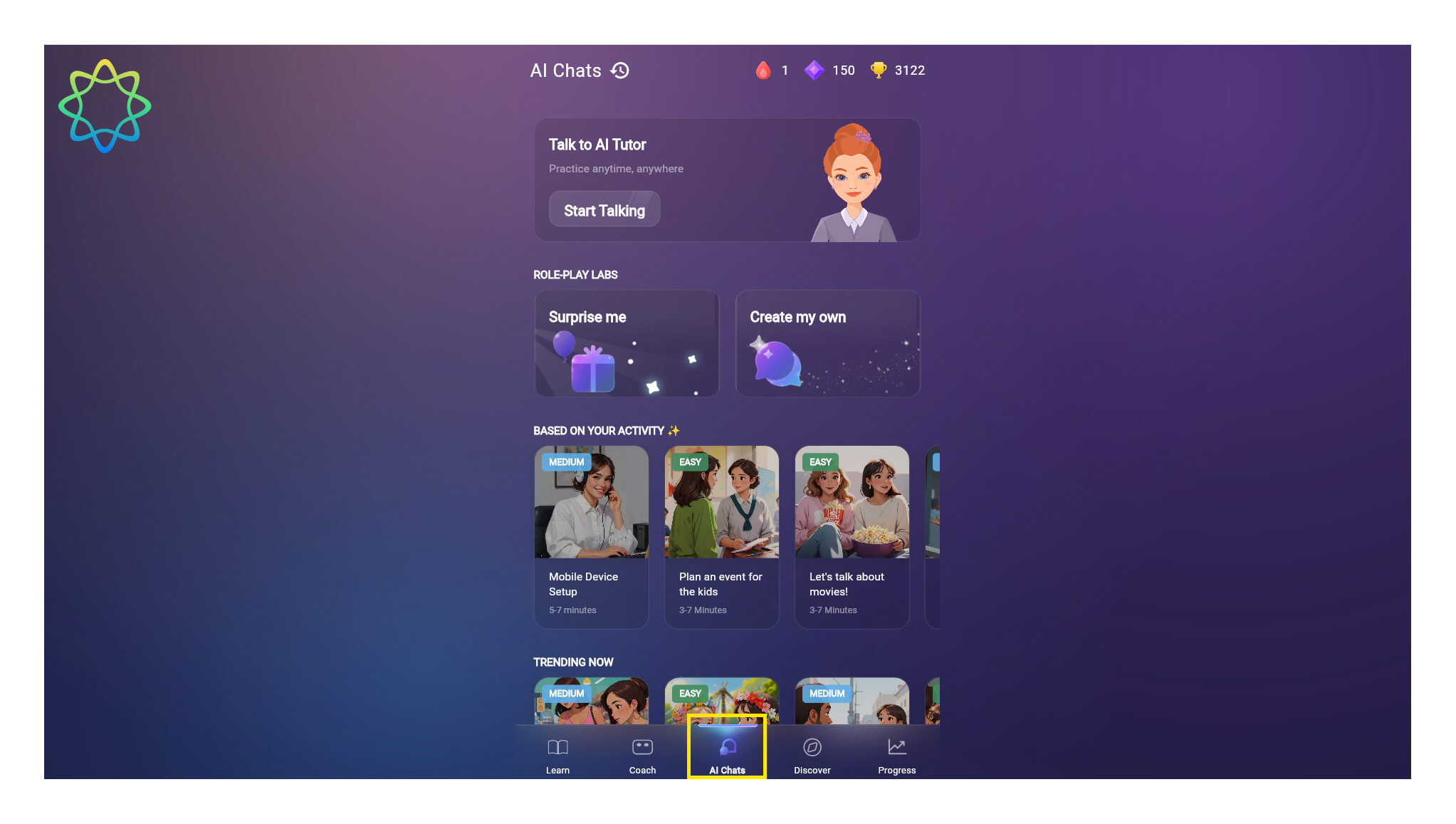
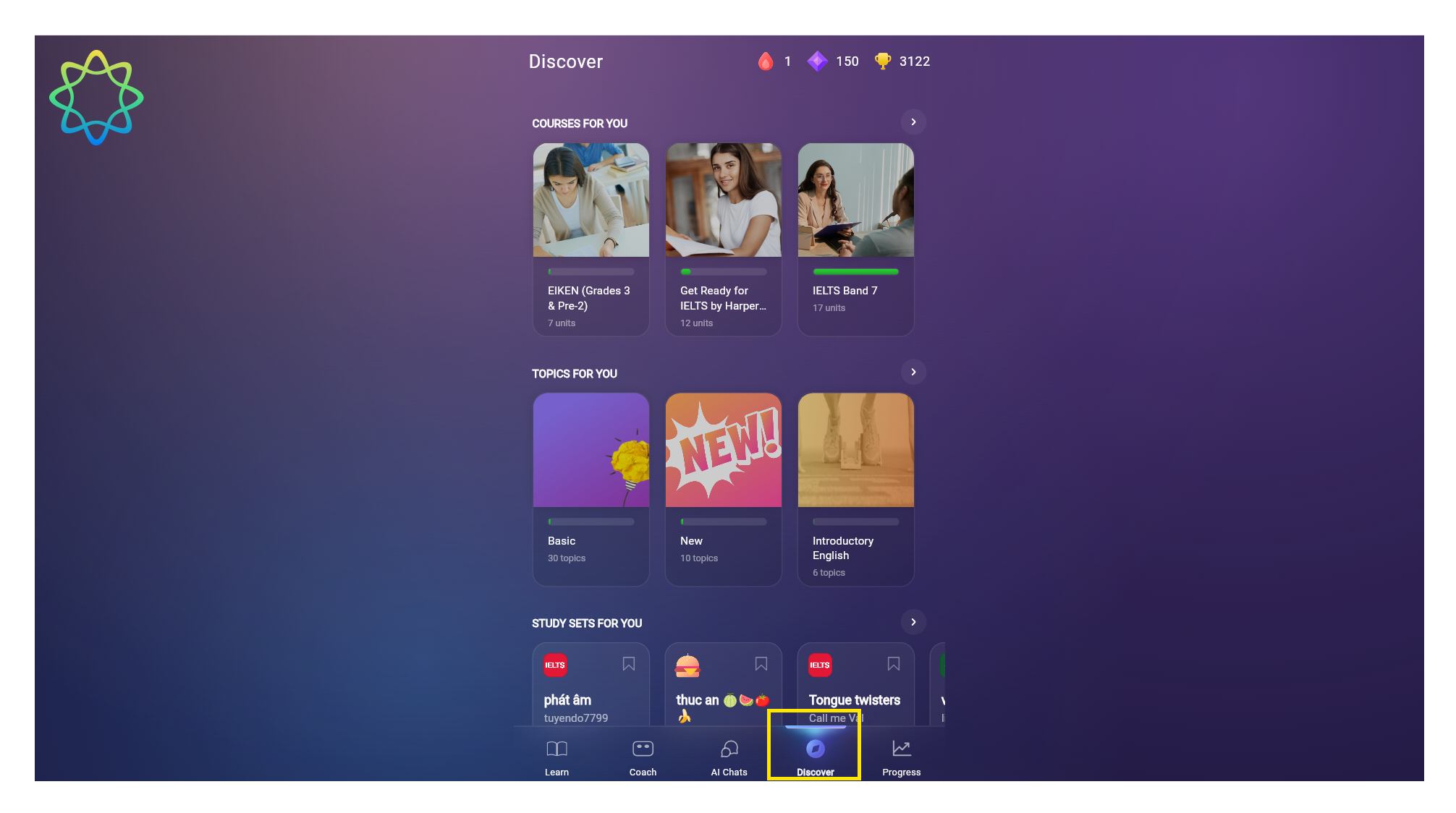
6. Discover - Your Content Library: Explore a world of diverse learning content, including specialized Courses, interactive Topics, and community-created Study Sets to expand your vocabulary and skills.
7. Progress Tracking: View your EPS score and climb the leaderboard, all from your Profile page.
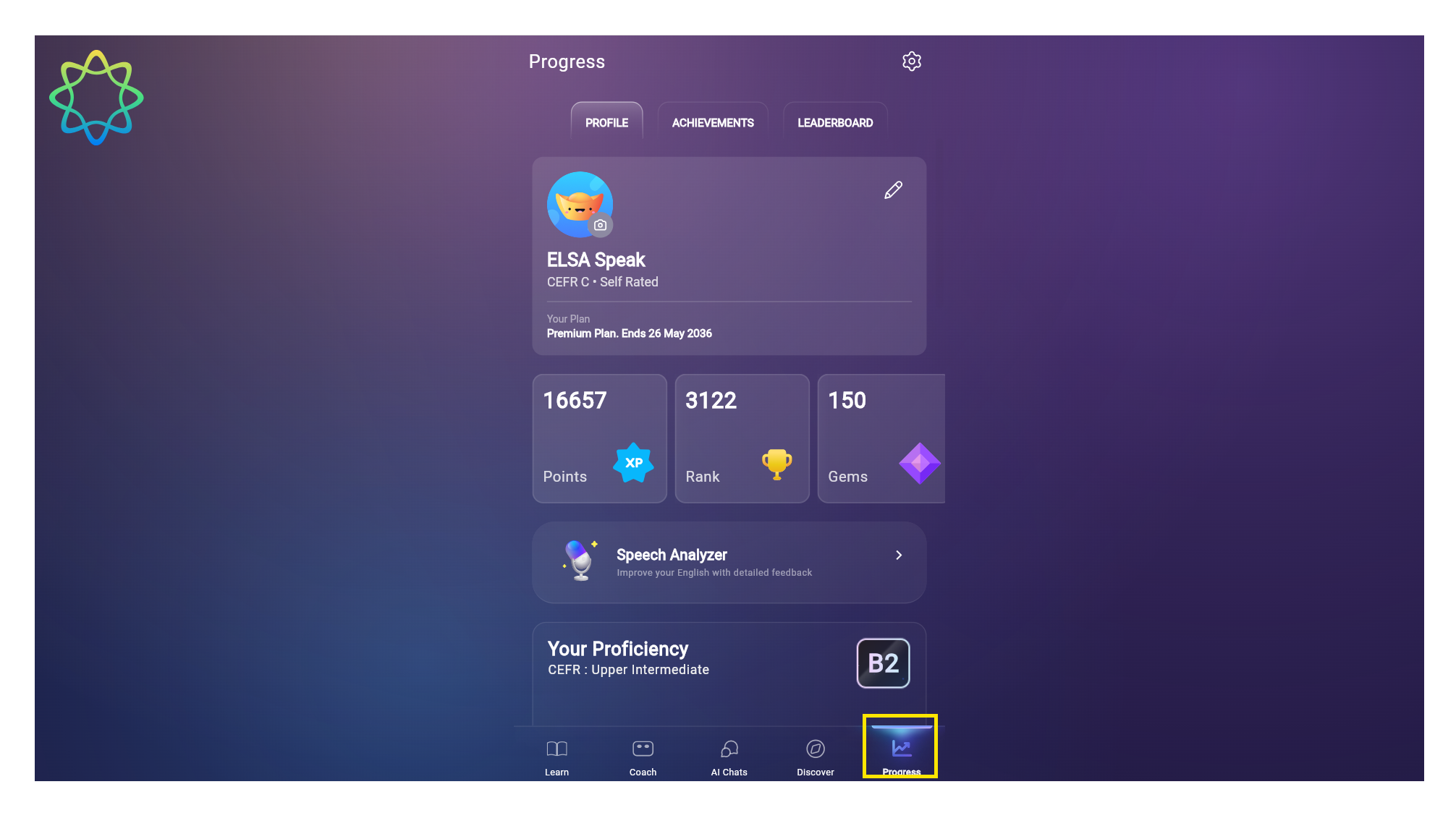
Seamless Syncing: Your progress is automatically saved and synced between the mobile app and the web. Switch devices anytime without ever losing a single point of progress!
Tips for the Best Learning Experience
To get the most out of your desktop practice sessions, keep these simple tips in mind:
Use a Headset: For the most accurate AI analysis, use a headset or earphones with a high-quality microphone.
Find Your Quiet Zone: Background noise can interfere with voice recognition. A quiet environment ensures ELSA hears you perfectly.
Optimize for Focus: ELSA on Web is ideal for longer, deep-focus study sessions. Schedule 15–20 minutes of uninterrupted time for maximum improvement.
Stay Mobile: While the web version is perfect for work, continue using the mobile app during your commute or off-hours to access 100% of our feature suite.
Ready to start?
Log in now at app.elsaspeak.com and take your next step toward English fluency.
Was this article helpful?
That’s Great!
Thank you for your feedback
Sorry! We couldn't be helpful
Thank you for your feedback
Feedback sent
We appreciate your effort and will try to fix the article