Effortlessly manage multiple branches within your organization from a single dashboard.
- Navigate between branches using the bottom-left menu.
- Data updates automatically based on the selected organization.
- Parent Organization Insights consolidate data from all branches.
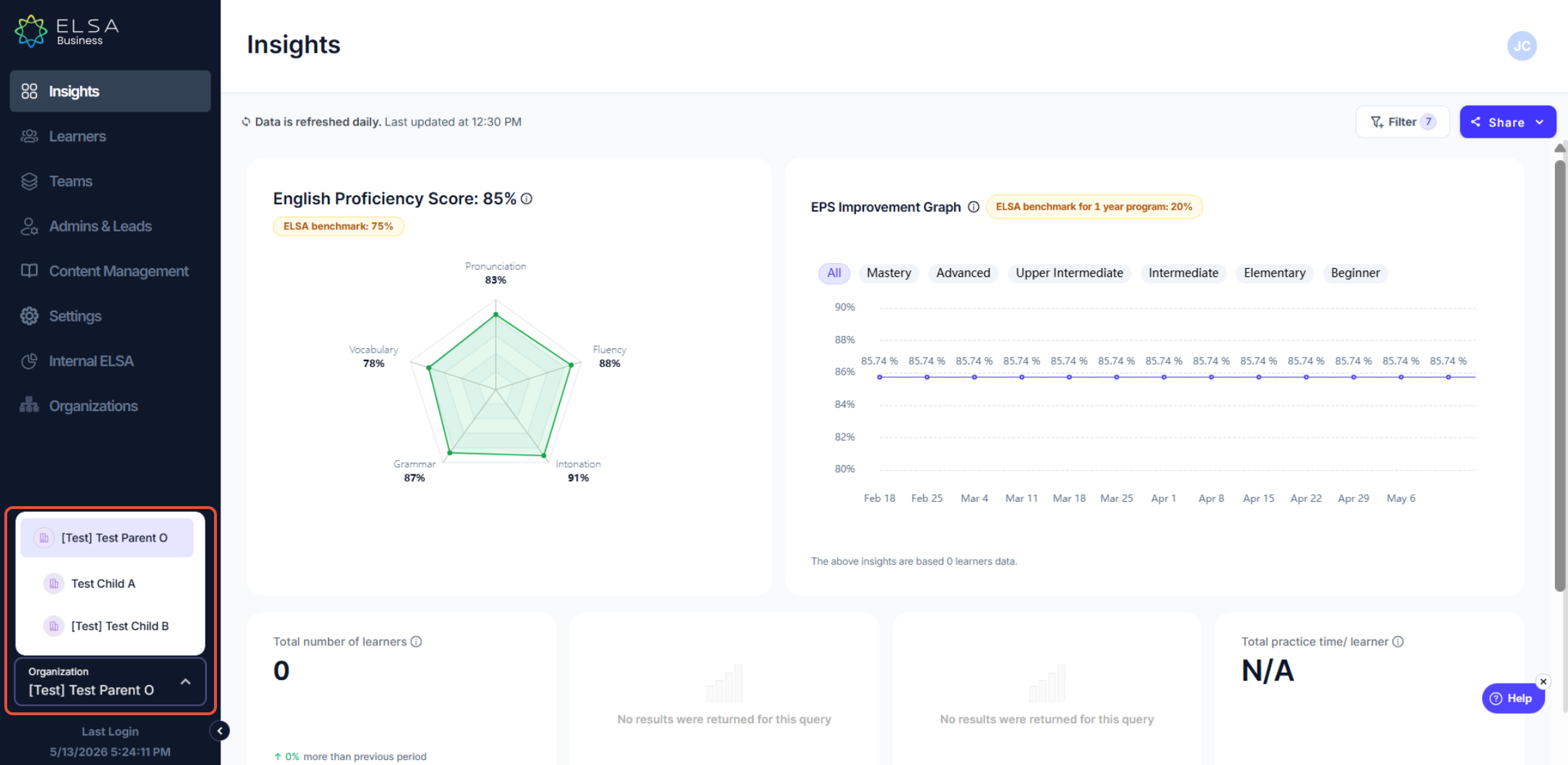
Parent Organizations will now be able to see Insights, Learning Activity, Skill Development, and Reporting for their child organizations / branches. Utilization Insights for child organization is coming soon.
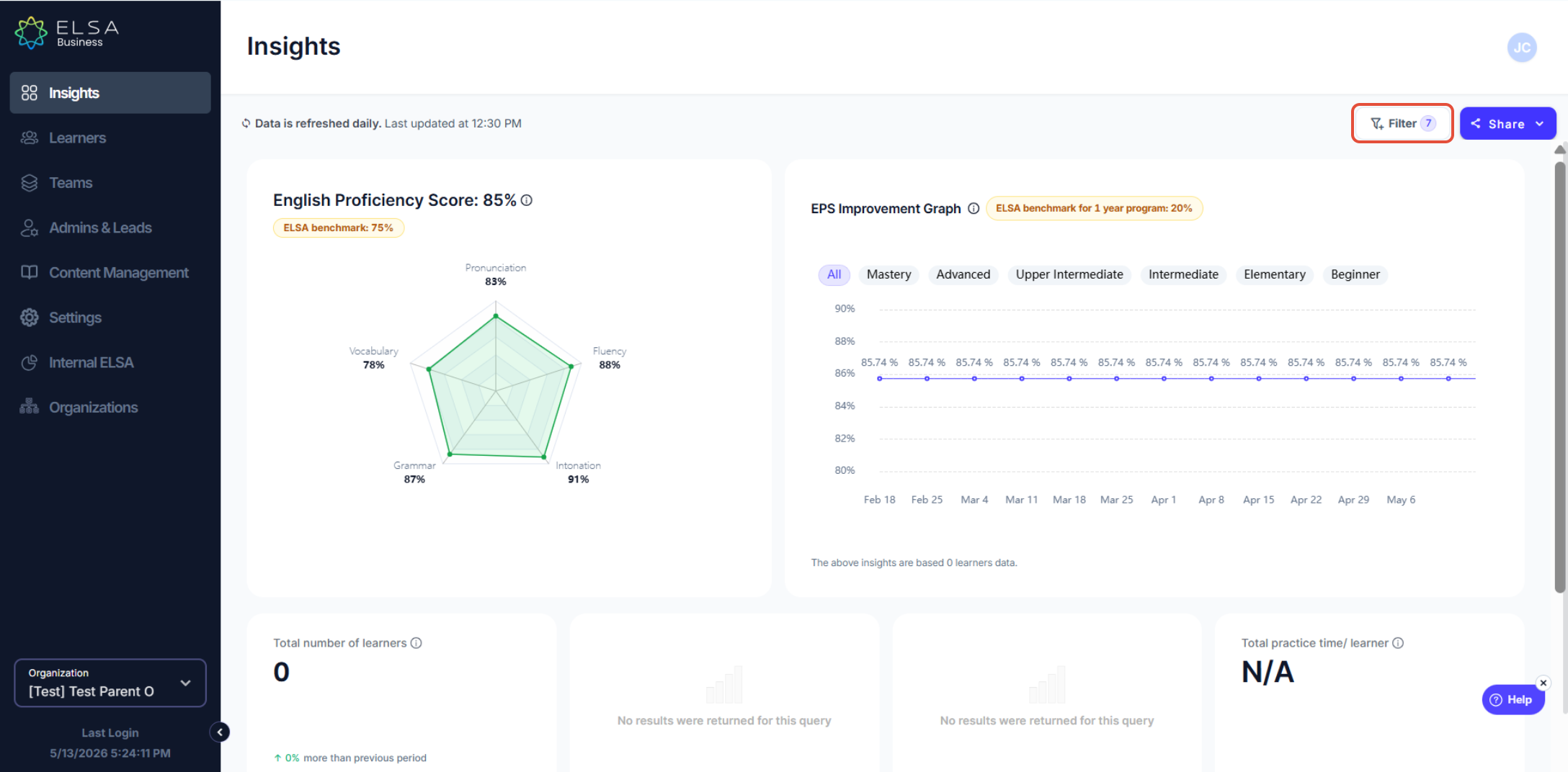
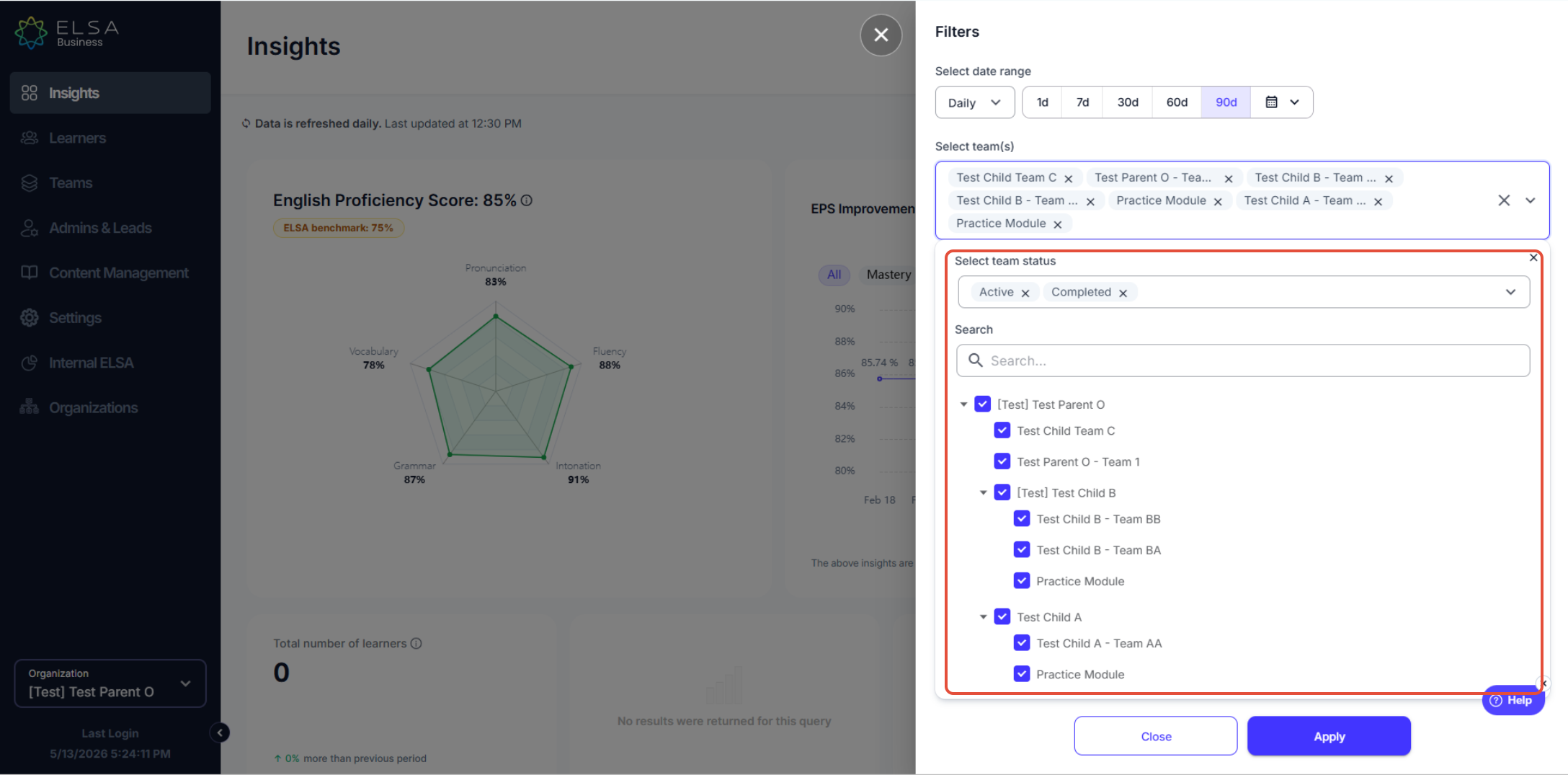
To see the child organization insights, click on the filter, and choose the preferred child organization / branch
Was this article helpful?
That’s Great!
Thank you for your feedback
Sorry! We couldn't be helpful
Thank you for your feedback
Feedback sent
We appreciate your effort and will try to fix the article