Please follow the simple steps below to invite new admins to your organization dashboard:
- Click on the "Admins & Leads" tab located in the left sidebar menu and you will be able to see the list of admins that you have invited.
Use the drop-down menu to select "Team Leads".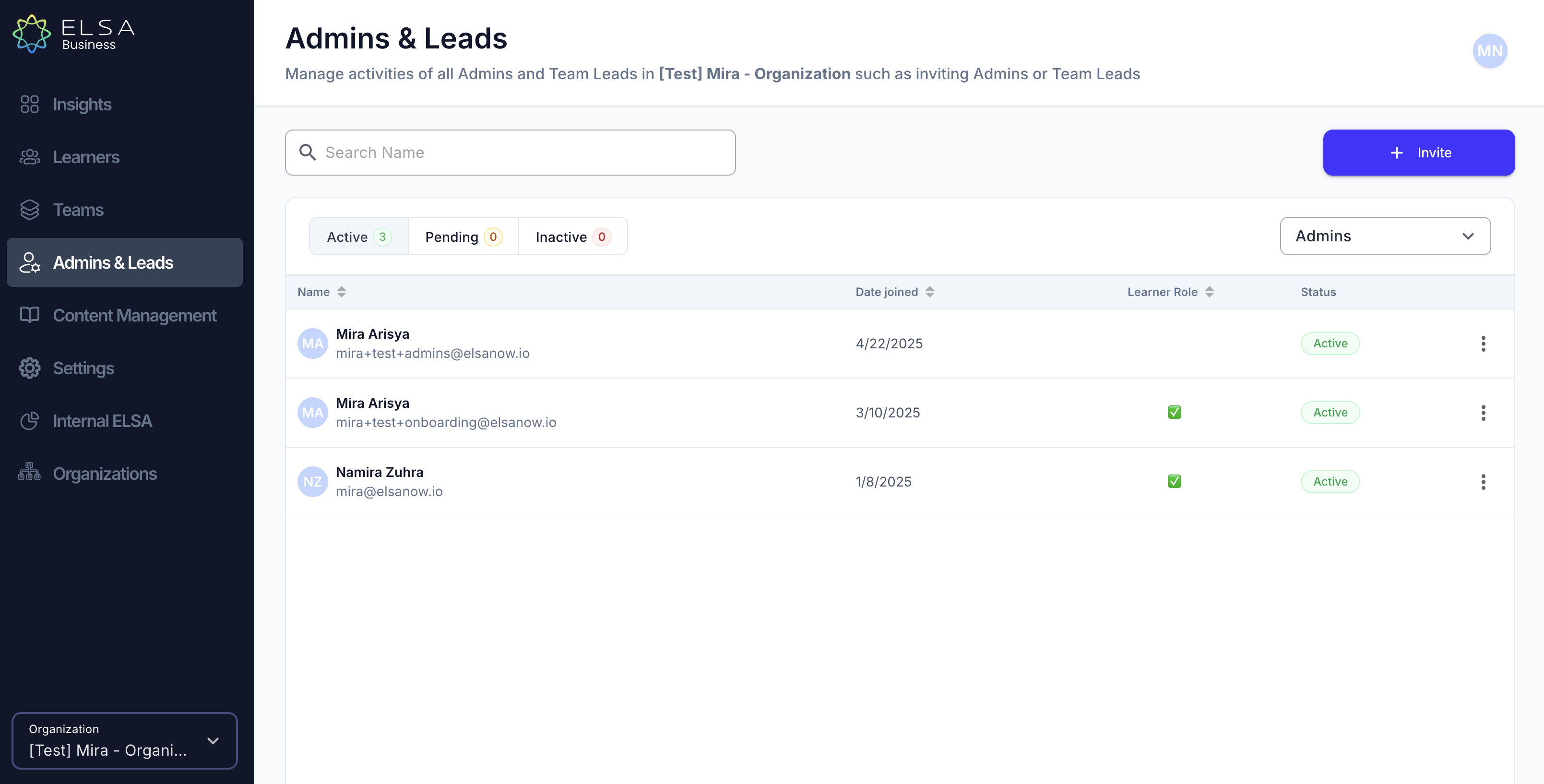
- Once invited, the Admins/ Team Leads will appear on the Admins & Leads section:
- Active: Admins/ Team Leads who have accepted the invite.
- Pending: Admins/ Team Leads who have not yet accepted the invite.
- Inactive: Admins/ Team Leads who are no longer part of your organization.
Was this article helpful?
That’s Great!
Thank you for your feedback
Sorry! We couldn't be helpful
Thank you for your feedback
Feedback sent
We appreciate your effort and will try to fix the article