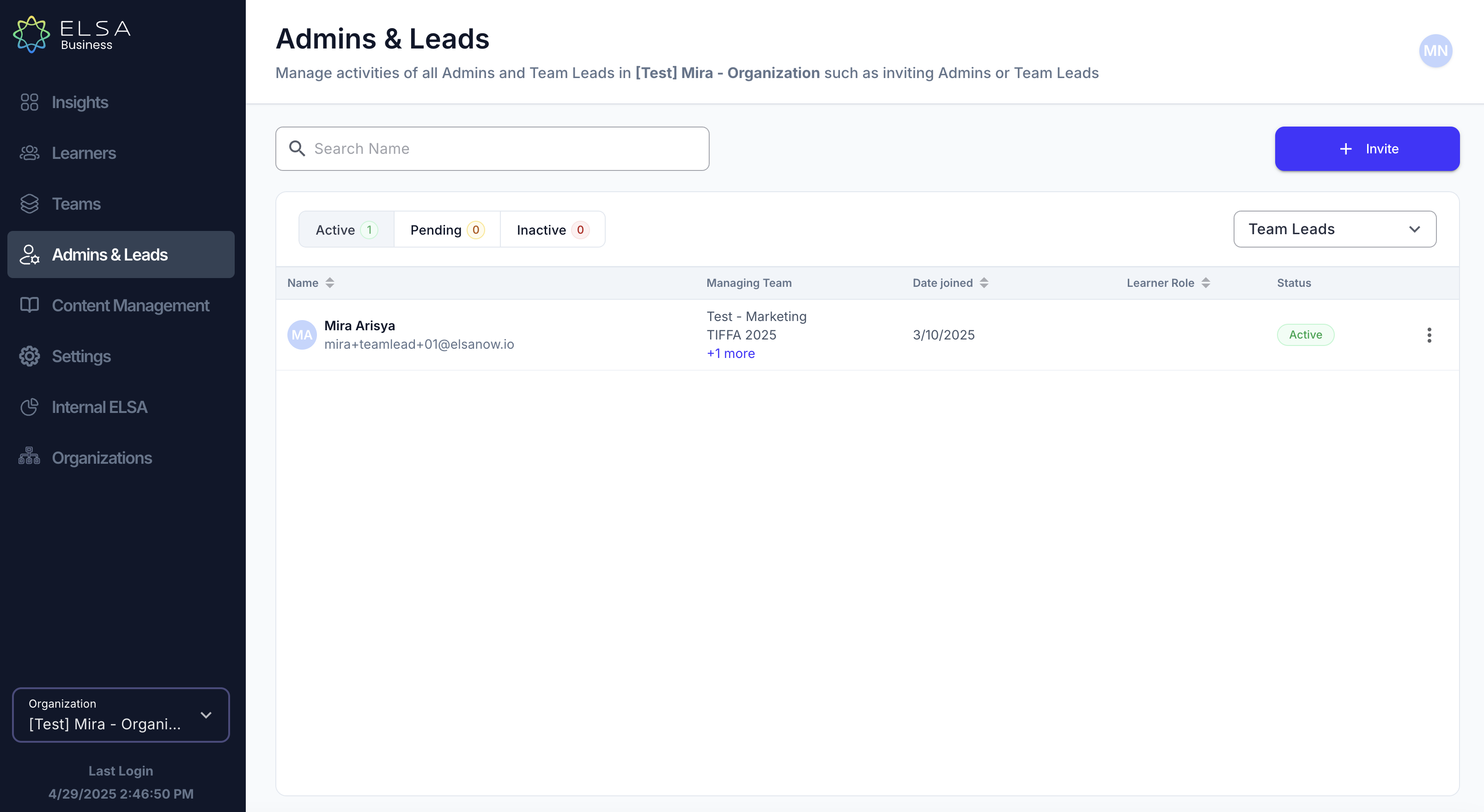
To access your Team Lead list, please follow the simple steps below:
- In the Admin and Leads tab, you can view your teachers list. Use the drop-down menu to select "Team Lead".
Was this article helpful?
That’s Great!
Thank you for your feedback
Sorry! We couldn't be helpful
Thank you for your feedback
Feedback sent
We appreciate your effort and will try to fix the article