Accessing the Learning Path Configuration from Team Creation:
It is also possible to configure Learning Path during Team Creation.
During Team Creation, and if you choose to Configure Learning Path for Learners, you will need to confirm the team's function and select the Organization Specific Document (if applicable) as the learning topics will be related to the specific team function and your organization-specific document.
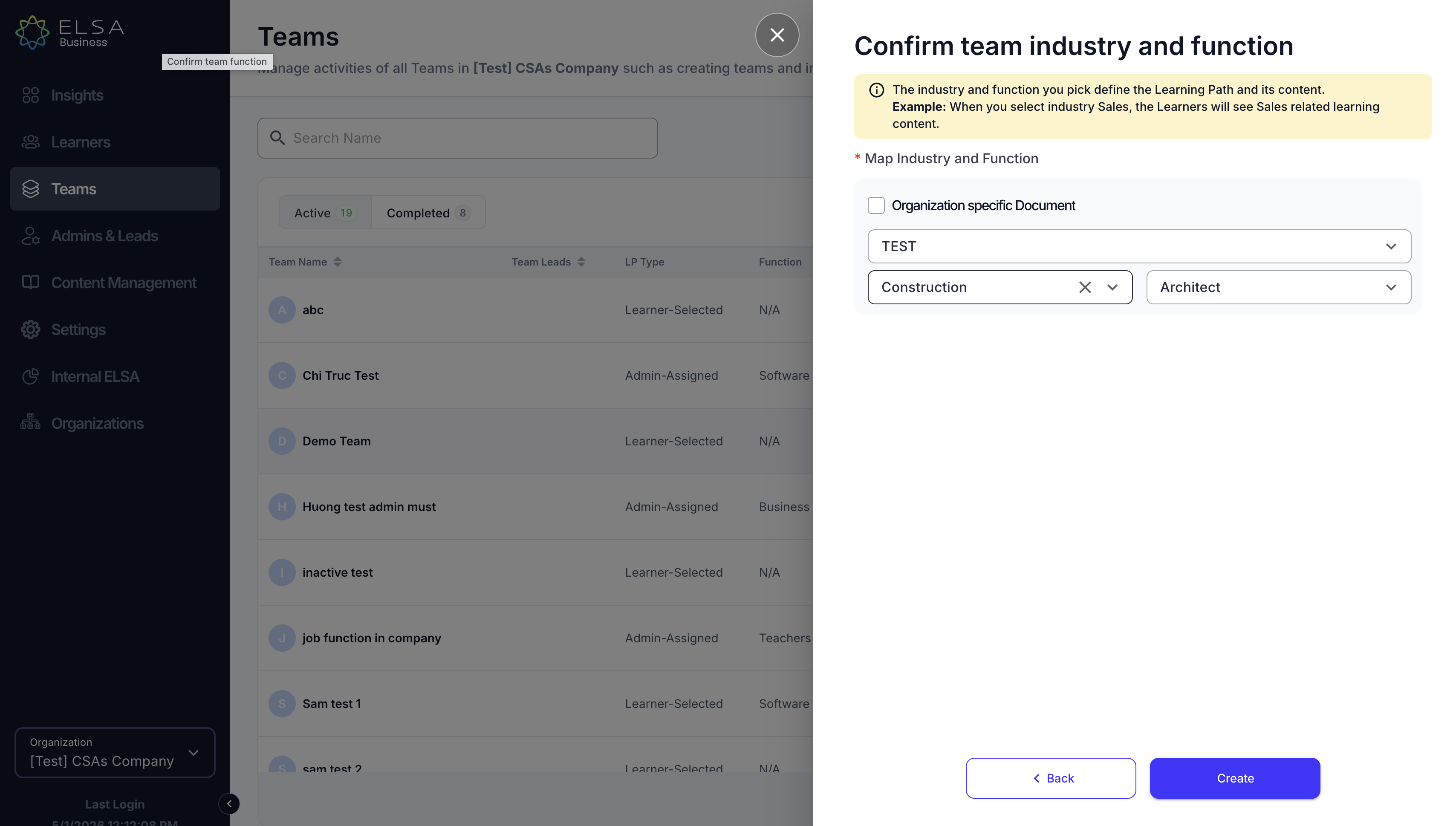
- If "Customer Industry Facing Function" is selected, the AI Tutor will assign customer-facing topics. Once confirmed, click "Create". Learning Path will be automatically assigned to the team.
Was this article helpful?
That’s Great!
Thank you for your feedback
Sorry! We couldn't be helpful
Thank you for your feedback
Feedback sent
We appreciate your effort and will try to fix the article